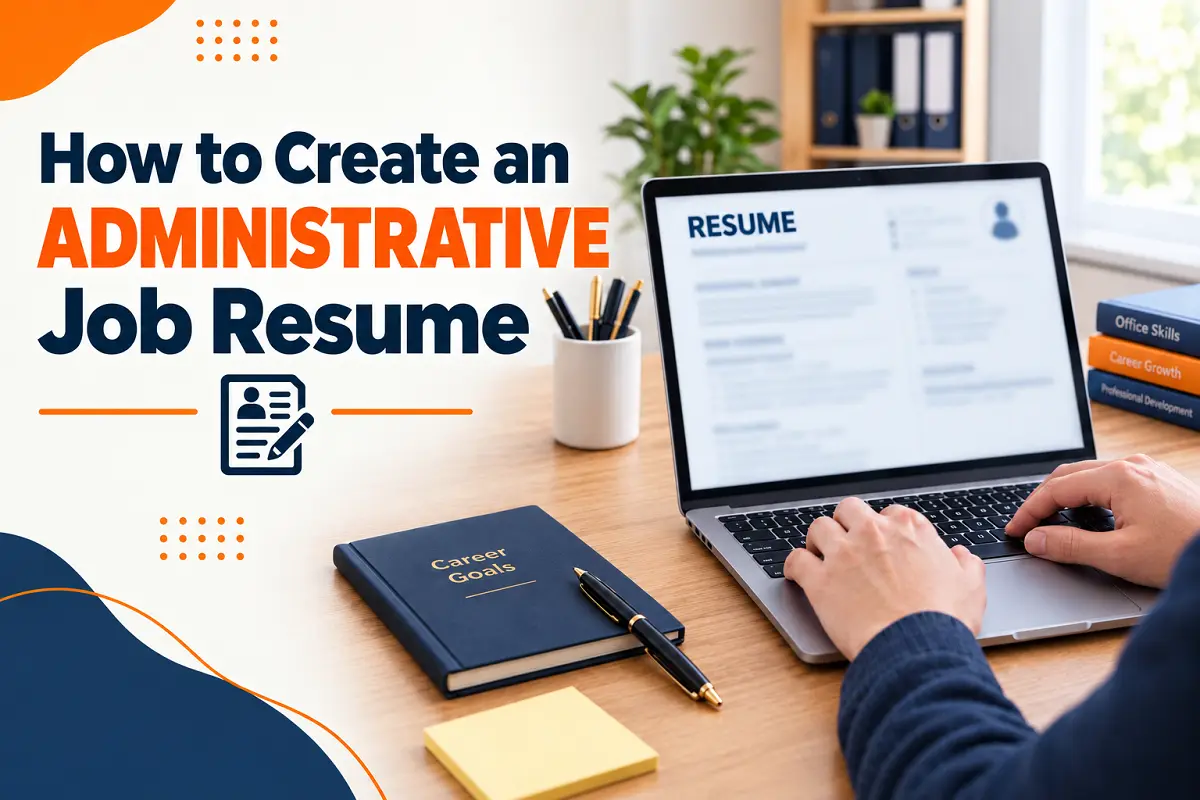
Applying for administrative positions in Canada requires more than listing previous jobs and educational qualifications. Employers look for candidates who can organize documents, manage schedules, communicate professionally, and handle multiple responsibilities efficiently.
A well-structured administrative job resume helps demonstrate these abilities and makes a positive first impression.
Whether you are applying for an administrative assistant, receptionist, office coordinator, or executive assistant position, your resume should highlight organization, time management, communication, and attention to detail. Employers also value proficiency in Microsoft Office and office management systems.
In this guide, you will learn what to include in your resume, how to create an administrative job resume in 2027, what to avoid, and how HireLabour.ca can help you explore administrative job opportunities in Canada.
What Information Should You Include in an Administrative Job Resume?
A professional resume should present your qualifications clearly and make it easy for recruiters to identify your strengths.
- Contact details: Include your full name, phone number, professional email address, and city or province.
- Professional summary: Briefly describe your administrative experience, skills, and career goals.
- Work experience: Highlight relevant responsibilities and measurable accomplishments.
- Administrative skills: Include scheduling, data entry, document management, recordkeeping, and office coordination.
- Education and certifications: List relevant degrees, diplomas, and completed training.
- Software proficiency: Mention Microsoft Word, Excel, Outlook, PowerPoint, scheduling tools, and office management systems you can use confidently.
- Additional qualifications: Include relevant language skills, customer service experience, or other abilities suited to the position.
Prioritize information that matches the job description and demonstrates your readiness for the role.
How to Create an Administrative Job Resume in 2027: Step by Step
1. Select a Resume Format That Highlights Your Strengths
A reverse-chronological format is often ideal because it presents your most recent experience first. Use clear headings, consistent dates, readable fonts, and simple bullet points. Avoid complicated layouts and unnecessary graphics that may make your resume difficult to scan.
If you have limited experience, emphasize transferable skills while maintaining a clear and accurate employment history.
2. Write a Compelling Professional Summary
Your summary should describe your strongest qualifications in two to four sentences.
Example: Organized administrative assistant with three years of experience in calendar management, data entry, document preparation, and office coordination. Proficient in Microsoft Office, with strong communication skills and a commitment to accuracy and efficient daily operations.
If you are new to administration, emphasize transferable skills, relevant training, and your willingness to learn.
3. Present Your Administrative Experience and Achievements
List previous positions with the employer, job title, location, and employment dates. Use bullet points to demonstrate your responsibilities and accomplishments.
For example:
- Coordinated appointments and meetings for multiple team members.
- Maintained digital and physical records to support efficient document retrieval.
- Processed data and prepared reports while maintaining accurate information.
- Managed incoming calls, emails, and customer inquiries professionally.
- Improved filing procedures to reduce time spent locating documents.
Whenever possible, include verified figures that demonstrate your impact. If you lack direct office experience, highlight relevant tasks from retail, hospitality, volunteering, or academic projects.
4. Highlight Essential Office and Administrative Skills
Employers value candidates who can manage competing priorities while maintaining accuracy and professionalism.
Technical skills may include:
- Calendar and appointment management
- Data entry and database maintenance
- Document preparation and recordkeeping
- Microsoft Word, Excel, and Outlook
- Email correspondence and meeting coordination
- Office management software
Transferable skills may include:
- Organization and time management
- Written and verbal communication
- Multitasking and prioritization
- Attention to detail
- Problem-solving and teamwork
- Confidentiality and professionalism
Choose skills relevant to the position and support them with examples from your experience. Only claim software proficiency you can demonstrate.
5. Add Relevant Education, Training, and Certifications
Include relevant degrees, diplomas, and professional training. An office administration or business administration qualification may be useful, depending on the employer’s requirements.
Training in Microsoft Office, bookkeeping, customer service, records management, or business communication can also strengthen your application.
List the institution, qualification, and completion date where appropriate. Clearly identify courses that are still in progress. Entry-level candidates can include relevant coursework and projects that demonstrate organization and communication skills.
6. Make Your Resume Easy for Applicant Tracking Systems (ATS) to Read
Some Canadian employers use applicant tracking systems (ATS) to organize applications and support recruitment. A simple format helps present your qualifications clearly.
To improve readability:
- Use standard headings such as “Work Experience,” “Skills,” and “Education.”
- Include relevant keywords from the job advertisement naturally.
- Use conventional bullet points and consistent formatting.
- Avoid complex tables and graphics that may interfere with text extraction.
- Follow the employer’s instructions for file format and submission.
For example, if a posting emphasizes calendar management, data entry, and Microsoft Excel, include these terms when they accurately describe your abilities. Never add unsupported skills or qualifications.
7. Customize Your Resume for Each Administrative Role
Administrative positions have different requirements. A receptionist may need customer service and communication skills, while an executive assistant may require calendar coordination, confidential document handling, and executive support experience.
Review each job advertisement and identify its primary responsibilities, software requirements, and qualifications. Adjust your summary, skills, and experience bullets to emphasize the most relevant strengths.
A tailored application helps employers understand how your experience aligns with their needs.
Administrative Resume Errors That Could Hurt Your Application
Avoid these common mistakes when preparing your resume:
- Using a generic resume: Customize your application for each position.
- Listing duties without achievements: Explain how your work improved accuracy, organization, or efficiency.
- Including irrelevant information: Prioritize recent experience and transferable skills.
- Overstating software proficiency: Describe your actual abilities honestly.
- Overlooking spelling and formatting errors: Proofread your resume and verify your contact details.
- Using complicated layouts: Keep the document professional and easy to scan.
- Adding unsupported qualifications: Ensure every claim reflects your genuine experience.
A careful final review can help you present a more credible and professional application.
Explore Administrative Job Opportunities With Hire Labour
Finding suitable administrative work starts with identifying opportunities that match your skills, experience, and career goals.
Hire Labour, a reliable Canadian staffing agency, connects job seekers with opportunities aligned with their qualifications and experience.
Before applying through Hire Labour, prepare a targeted resume highlighting your organizational abilities, office experience, communication skills, and technical proficiency. Review each job description carefully and emphasize the qualifications that match the position.
Whether you are an experienced office administrator or beginning your career, a clear and relevant resume can help recruiters assess your suitability for available opportunities.
Conclusion
Creating an administrative job resume that stands out in 2027 requires clear formatting, relevant skills, and a strong focus on your qualifications and achievements.
By highlighting your organizational abilities, communication skills, software proficiency, and attention to detail, you can improve your chances of attracting Canadian employers.
Ready to take the next step in your career? Contact Hire Labour today to explore administrative job opportunities in Canada and find positions that match your skills, experience, and career goals.
Frequently Asked Questions
1. How long should an administrative job resume be?
One page is generally sufficient for entry-level candidates. Professionals with extensive relevant experience may use two pages. Keep the content concise and focused on the position.
2. How can I write an administrative resume without previous office experience?
Highlight transferable skills from education, such as organization, communication, time management, and attention to detail. Include relevant software knowledge and training to demonstrate your readiness for administrative work.
3. Should I include Microsoft Office skills on my administrative resume?
Yes. Include applications such as Word, Excel, Outlook, and PowerPoint when relevant. Describe your proficiency accurately and provide examples of how you have used these tools.
4. Do Canadian employers use ATS to screen administrative resumes?
Some Canadian employers and staffing agencies use ATS software to organize applications and support screening. Standard headings, relevant keywords, simple formatting, and accurate information can help make your resume easier to process.
5. Where can I find administrative job opportunities in Canada?
You can find administrative job opportunities in Canada through staffing agencies like Hire Labour, which connect job seekers with suitable employment opportunities.